
Audits and Reports
Run an audit
Create a new audit from the current brand setup.
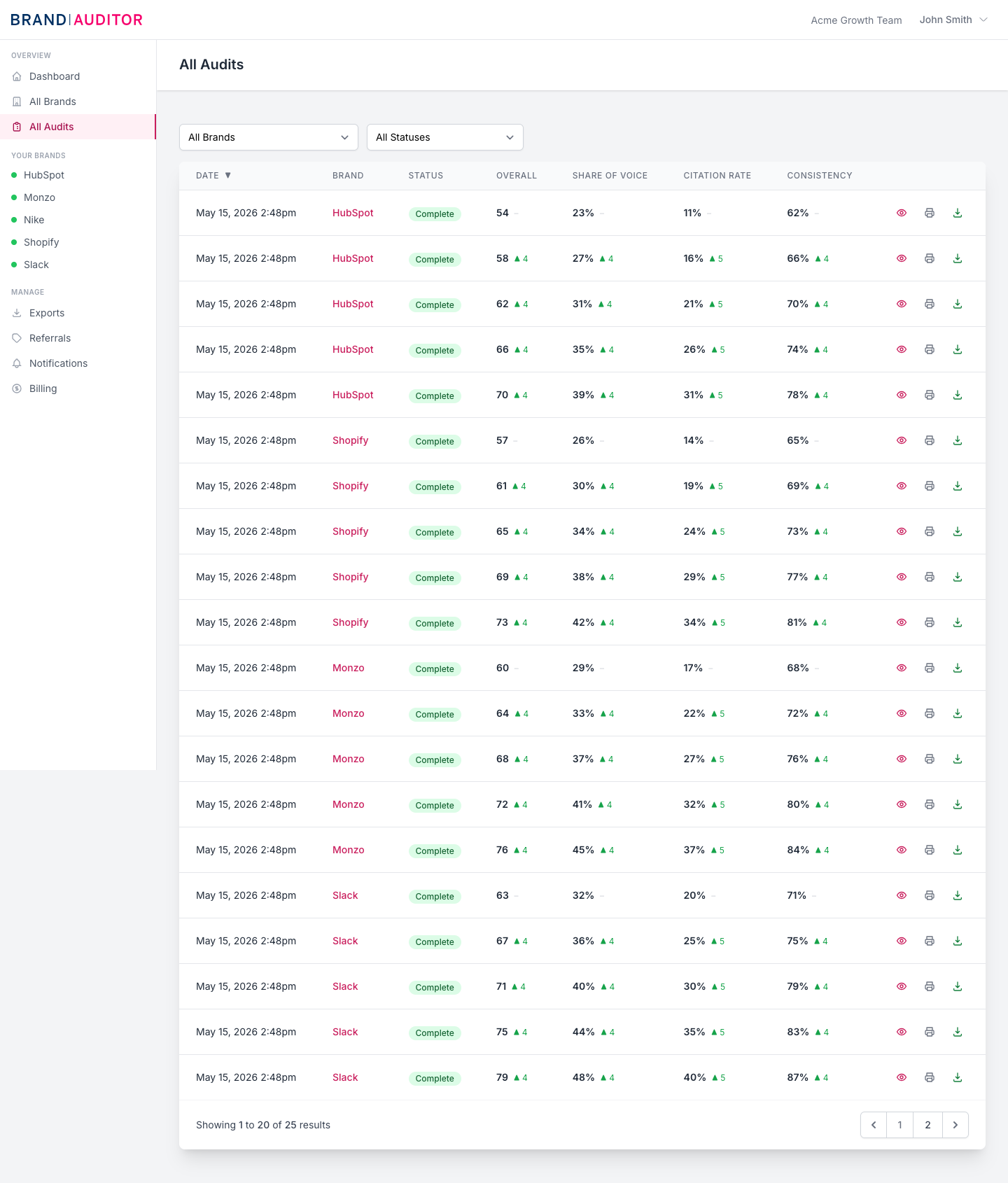
Start from a brand overview
Open a brand and use Run Audit. Brand Auditor opens a confirmation modal, creates an audit in the queued state, reserves audit quota, then redirects to the audit status screen.
Quota is reserved before jobs start
Audit dispatch reserves quota inside a database transaction. For paid teams it increments the current usage row; for trial or free-access teams it atomically decrements remaining trial audits.
If no quota is available, the app shows the quota error instead of creating the audit.
What runs in the background
The audit job chain collects search and AI visibility data, processes the audit data, then sends completion notifications. If the chain throws an exception, the audit is marked failed and the consumed credit is refunded once.
Use audits as snapshots
Each audit captures the brand setup and available external data at the time it runs. Change keywords, prompts, competitors, or markets deliberately, then run a new audit to compare the next snapshot.