
Brand Auditor Docs
Documentation
Guides and references for setting up Brand Auditor, running AI visibility audits, and improving brand visibility in AI search.
Start here
If you are new to Brand Auditor, begin with the onboarding path. It takes you from account setup to a first audit, then into the screens that explain what to improve next.
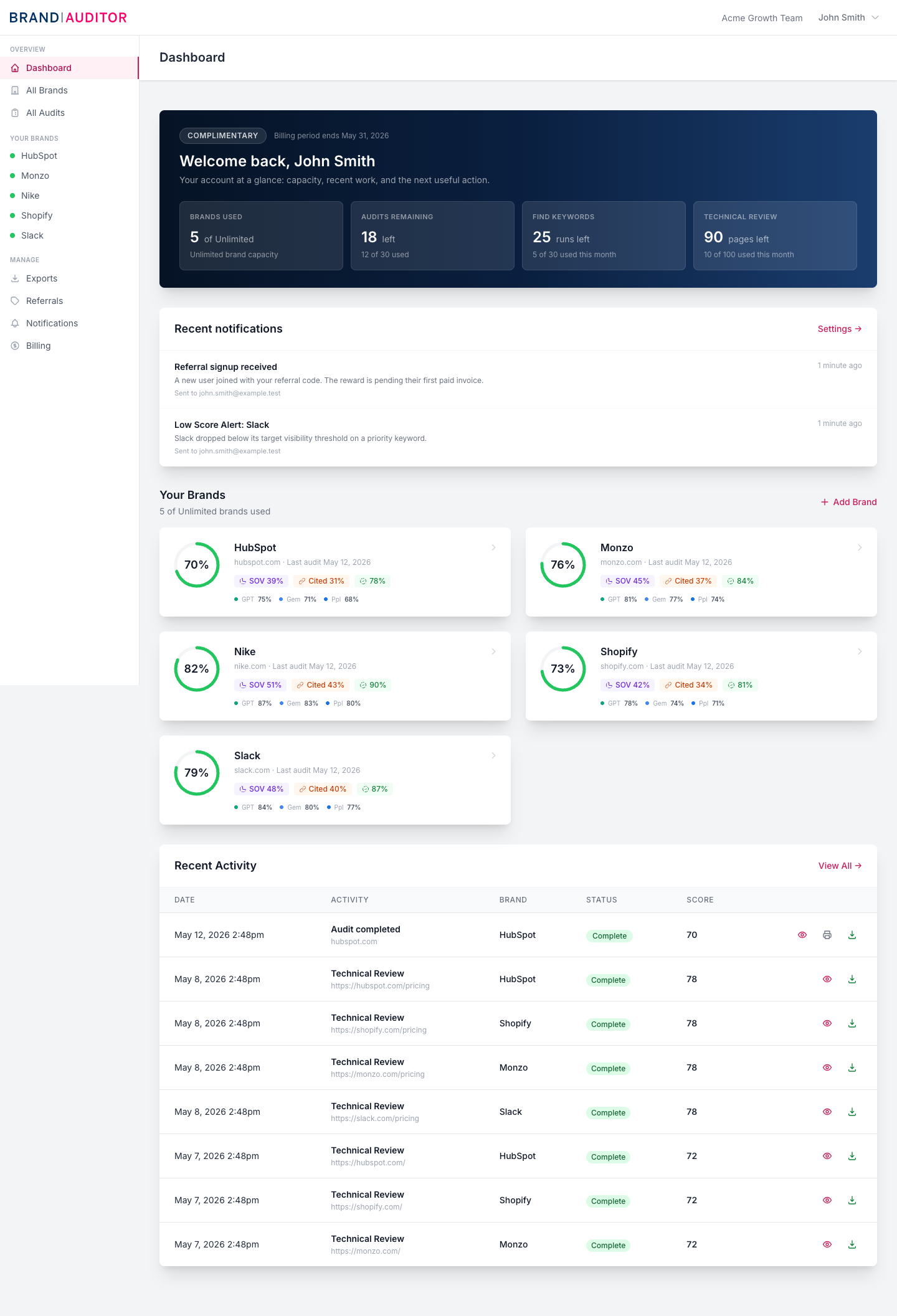
Popular guides
Getting Started
Add your first brand
Create the first tracked brand with the details Brand Auditor needs.
Getting Started
Run your first audit
Start an audit and understand what happens while it runs.
Getting Started
Understand your first results
Read the first audit by looking for patterns, not isolated scores.
Improve
Action Plan
Use prioritized recommendations to decide what to fix first.
Improve
Technical Review
Scan pages for issues that affect AI readability and search visibility.
Improve
ChatGPT Ad Results
Run exact US-market ChatGPT searches and review sponsored placements, advertisers, and organic context.
Team and Account
Support requests
Ask for help with product, billing, or audit issues.
Product areas
Getting Started
Set up the account, create the first brand, and run the first audit.
Core Concepts
Understand the vocabulary behind AI visibility measurement.
Brand Management
Maintain brands, competitors, markets, and account organization.
Audits and Reports
Run audits, read reports, and export evidence.
Visibility Insights
Diagnose how AI and search surfaces represent the brand.
Improve
Turn audit findings into prioritized improvement work.
Team and Account
Manage teammates, billing, notifications, referrals, and support.
Troubleshooting
Resolve common setup, quota, reporting, and interpretation issues.
Support
For product and account help, include the brand, audit, page, or export involved so support can investigate quickly. The troubleshooting section covers the common setup, quota, reporting, and interpretation issues first.