
Audits and Reports
Export reports
Download audit and brand data for reporting workflows.
Single-audit CSV ZIP
Professional and Enterprise teams can download a completed retained audit as a ZIP of CSV files. Starter teams receive a 403 message explaining that data export requires Professional or Enterprise.
What the ZIP contains
The single-audit ZIP includes a README plus CSV files for summary, keywords, competitors, LLM mentions, citations, share of voice, top domains, top pages, search mentions, SERP results, People Also Ask, autocomplete, recommendations, and fan-out queries.
Empty sections still ship with header-only CSV files so the schema remains consistent.
Bulk brand exports
Enterprise teams can request a bulk export from the brand overview. It packages every completed audit for that brand into a single archive with one folder per audit.
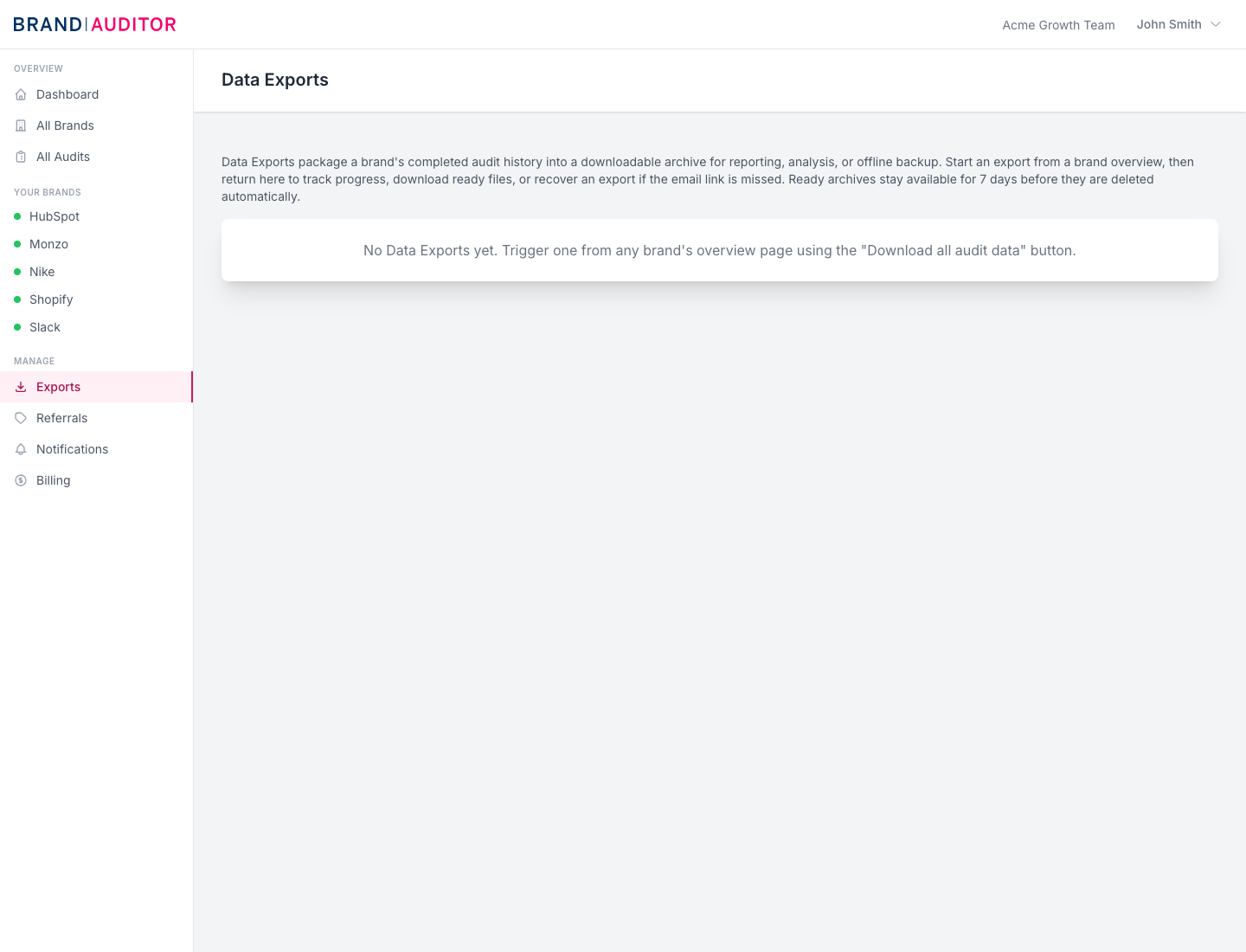
Bulk exports run in the background, send an email when ready, appear on the Data Exports page, and ready archive links stay available for 7 days.
Use exports for analysis
CSV exports are best for analysis, backups, and custom reporting. For stakeholder readouts, use the report page so the evidence and interpretation stay together.