
Team and Account
Billing and usage limits
Understand plan coverage, quotas, and billing controls.
Plan limits
Starter includes 4 audits per month, 5 brands, 3 keywords per brand, 3 prompts per brand, 2 competitors per brand, 5 Technical Review pages, ChatGPT coverage, manual audits, and 1 year of audit history.
Professional includes 15 audits per month, 25 brands, 6 keywords per brand, 6 prompts per brand, 3 competitors per brand, 25 Technical Review pages, ChatGPT plus Google AI Mode, weekly or monthly scheduled audits, CSV exports, white-label reports, and 3 years of audit history.
Enterprise includes 30 audits per month, unlimited brands, 10 keywords per brand, 10 prompts per brand, 5 competitors per brand, 100 Technical Review pages, ChatGPT, Google AI Mode, Gemini, and Perplexity, daily scheduling, all insight screens, bulk exports, multiple teams, and 5 years of audit history.
Usage counters
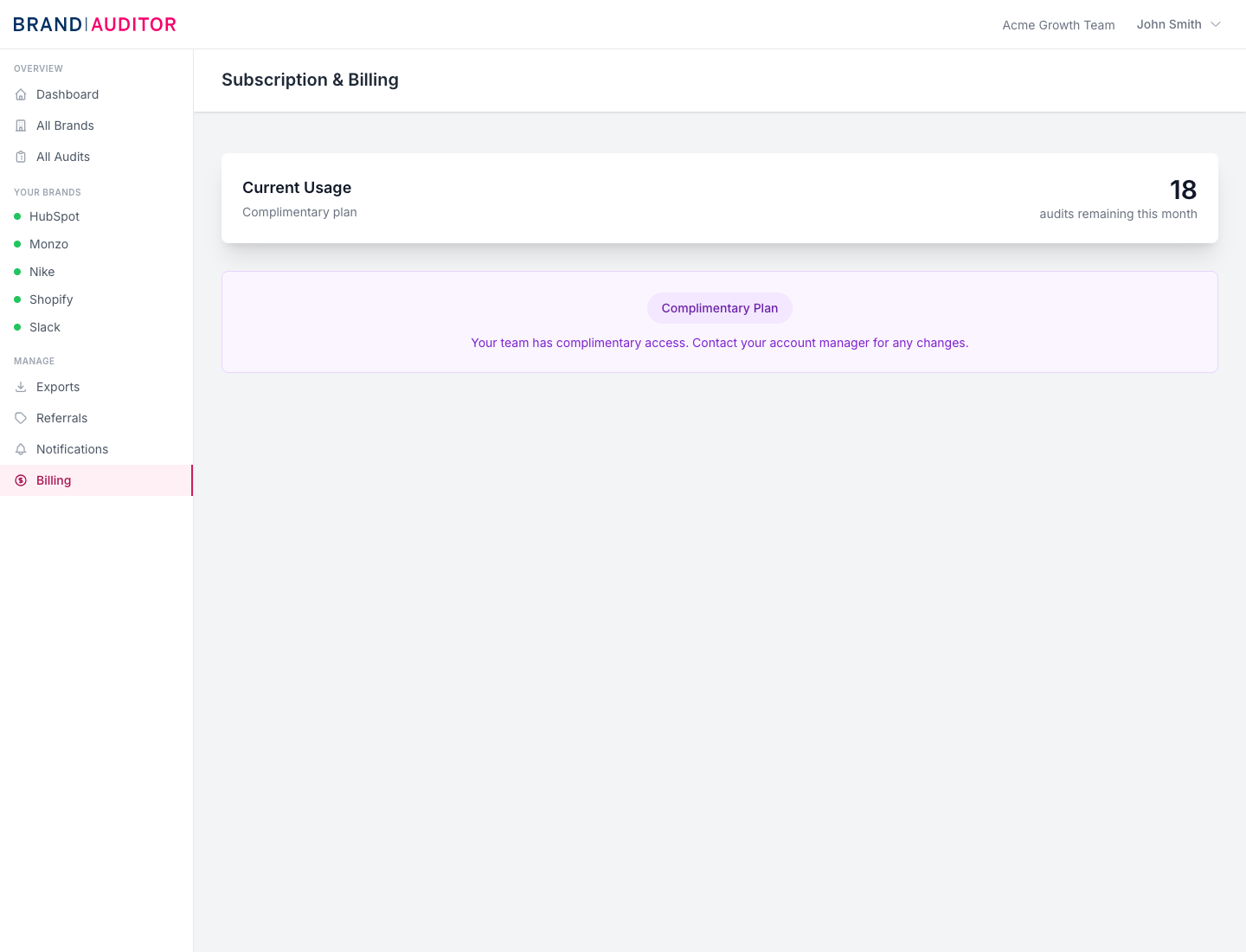
Billing shows the current plan and the number of audits remaining in the current month. The usage bar combines the plan audit allowance with active or one-off audit add-on credits.
Technical Review and Find Keywords also have plan-based allowances. Free access and trial teams get 1 Technical Review and 1 Find Keywords run. Starter gets 5 Technical Reviews and 2 Find Keywords runs, Professional gets 25 and 10, and Enterprise gets 100 and 30.
Add-ons
Audit add-ons are available as 10, 25, or 50 extra audits, either one-off or recurring monthly. Brand add-ons add 5, 10, or 25 extra brands per month. Prompt add-ons add 5, 10, or 25 extra prompts per month. Keyword discovery add-ons add 5, 10, or 25 extra Find Keywords runs per month.
Cancelling a recurring brand or prompt add-on takes effect at the end of the billing period. Existing brands or prompts continue to work, but new creation is blocked once the team is over the post-cancellation limit.
Billing actions
Plan checkout, upgrades, downgrades, add-ons, and invoices are handled through Stripe. After checkout, the billing page polls every 3 seconds for confirmation and shows a setup message while Stripe and Brand Auditor sync.
The Invoices button opens the Stripe billing portal when the team has a Stripe customer. If no Stripe customer exists yet, the page explains that there is no billing history to manage.